AI Background Remover
Remove the background from any image automatically, keep the subject, get a clean cut-out.
AI Tool
Background Remover
Upload your photo
Drag & drop, or press Ctrl/⌘+V

Free to try · go Unlimited for unlimited edits · no card required
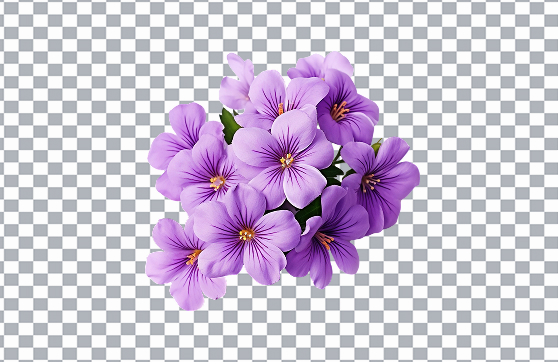
Magical Studio AI’s background remover is an AI image editor that automatically detects your subject and erases everything behind it, people, products, pets and more. Remove the background in one click and get a clean png cutout with a transparent background, no manual selection or tracing required. It works as an online photo editor in your browser, so you can edit photos with AI and download a crisp cut-out in seconds, perfect for profile pictures, product shots, thumbnails and design work.
Why use the AI background remover
Removing the background is one of the most common image editing tasks, and doing it by hand is slow. This tool lets you remove the background instantly for product photos and e-commerce listings, where a clean white or transparent background makes items look professional. Use the png cutout for marketplace listings, online stores, ad creatives and catalogs, or drop your subject onto a new backdrop for posters, thumbnails and social posts. It is great for crisp profile pictures, stickers, logos and presentation graphics too. Because it produces a transparent background, you can layer the cut-out into any design without leftover edges or boxes around your subject.
Tips for the best results
Upload a sharp, well-lit photo where the subject clearly stands out from the background, good contrast helps the AI find clean edges. Tricky details like flyaway hair, fur and thin objects come out best when they are in focus and not blended into a busy backdrop. If you plan to place the cut-out on a new background, keep the original high-resolution so the transparent png stays crisp. For e-commerce, shoot products against an evenly lit surface to get the cleanest png cutout.
How to use Background Remover
Upload the photo you want to cut out.
The AI removes the background automatically.
Download your subject with a clean background.
Frequently asked questions
No, the AI detects the subject and removes the background automatically, including tricky edges like hair.